DJ-600 Jewel Mini Scale (600G X 0.1G) - GB The Green Brand
  • DJ-600 Jewel Mini Scale (600G X 0.1G)
  • DJ-600 Jewel Mini Scale (600G X 0.1G)
  • DJ-600 Jewel Mini Scale (600G X 0.1G)

DJ-600 Jewel Mini Scale (600G X 0.1G)

€18.00 €20.00 10%
5/5 (1 Ratings)

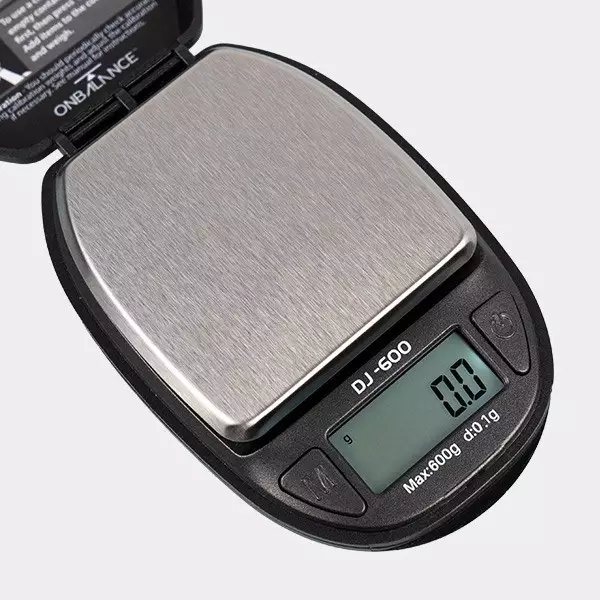
Get the most accurate measurements anywhere with the DJ-600 Jewel Mini Scale. This convenient and easy-to-use scale will become your best friend when you need to weigh something away from home, as it can be kept in pockets or bagpacks with minimal bulk.


0/5 - 1 Voto

View ratings

 Add Review View Reviews
GB Green Brand Customer Service

Description

DJ-600 Jewel Mini Scale: Ergonomics and accuracy

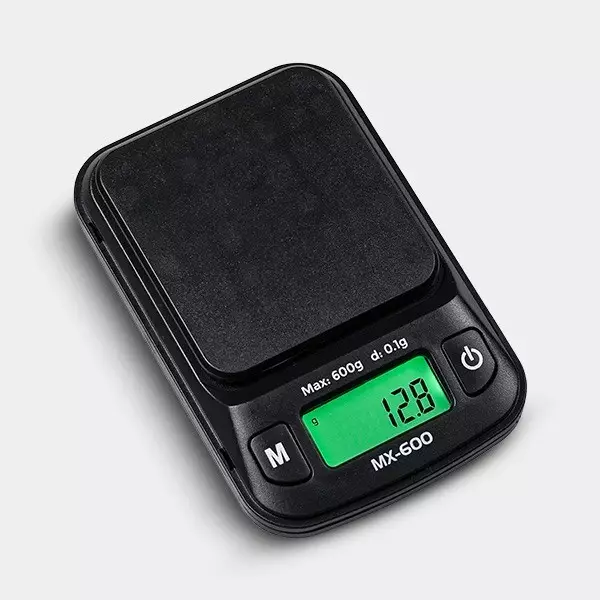
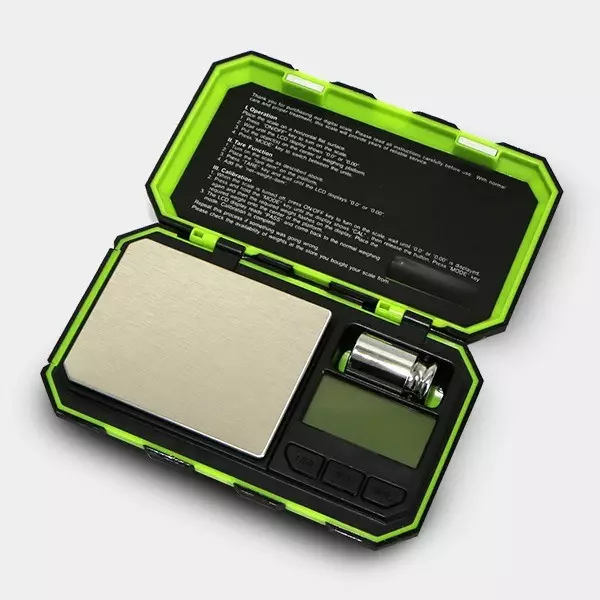
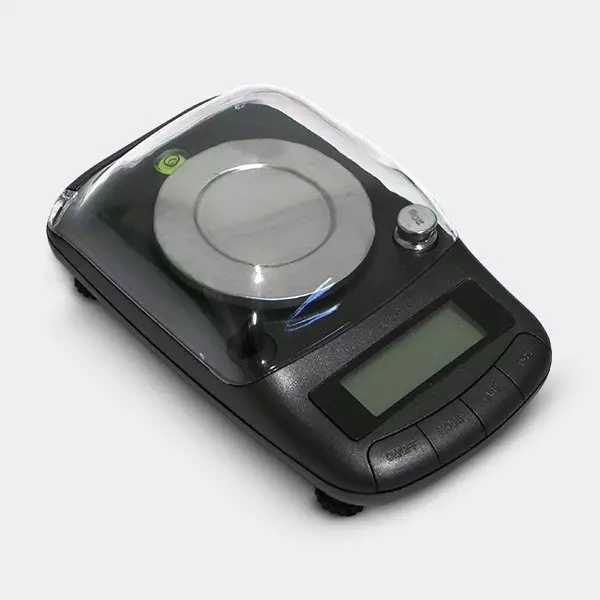
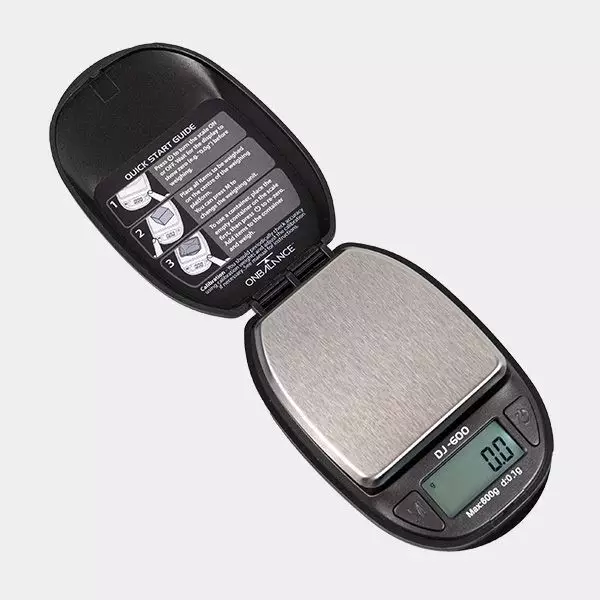
DJ-600 Jewel Mini Scale is a great choice to obtain accurate weights in any situation. Its small size and removable lid will allow you to carry it anywhere you go, as it perfectly fits the palm of your hand. Its maximum capacity is 600 g and it displays one decimal.

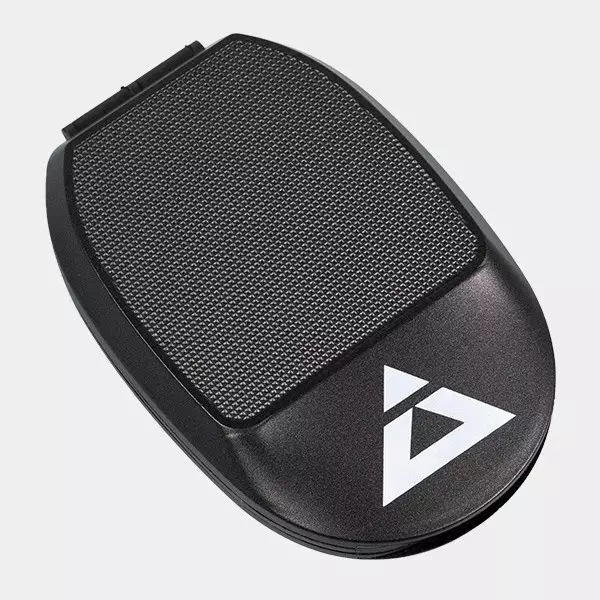
This scale features six units of measurements and a backlit screen that keeps its clarity at any moment, either daytime or nighttime. Lastly, as a curiosity, it’s named ‘Jewel’ because when it’s closed, it seems to be one of those small boxes where these precious objects are kept.

Quick start guide

  1. Press the home button to turn on the scale. Wait until you see ‘0.0’ on the screen.
  2. Place the object you want to weigh in the center of the weighing platform. Press the button ‘M’ to change the unit of measurement.
  3. If you want to use a tray (you can use the scale’s lid), place it first on the scale, press the home button and, once you see 0 again, add the objects you want to weigh.

How to calibrate the DJ-600 Jewel Mini Scale

The DJ-600 Jewel Mini Scale comes factory calibrated, however, the company itself recommends to check the parameters once a year. Thus, you must use a certified weight.

  1. Get a certified 500g weight (it is sold separately).
  2. Place the scale on a flat level surface and wait a couple of seconds till it adapts to the room temperature.
  3. Turn on the scale.
  4. Keep the ‘MODE’ button pressed until you see ‘CAL’ on the display.
  5. Make sure there’s nothing on the scale before confirming.
  6. You’ll see the necessary weight on the screen to calibrate the device.
  7. Place the certified weight on the center of the platform.
  8. When you read ‘PASS’ on the screen, the scale will be calibrated.

DJ-600 Jewel Mini Scale characteristics:

  • Unit of measurement: g, oz, ozt, dwt, ct & gn.
  • Maximum capacity: 600 g / 21.16 oz / 19.29 ozt / 385.8 dwt / 3000.0 ct / 9259 gn.
  • Precision: 0.1 g / 0.01 oz & ozt / 0.1 dwt / 0.5 ct / 1 gn.
  • Dimensions: 9.5 x 6.3 x 1.9 cm (3.7 x 2.5 x 0.7 in).
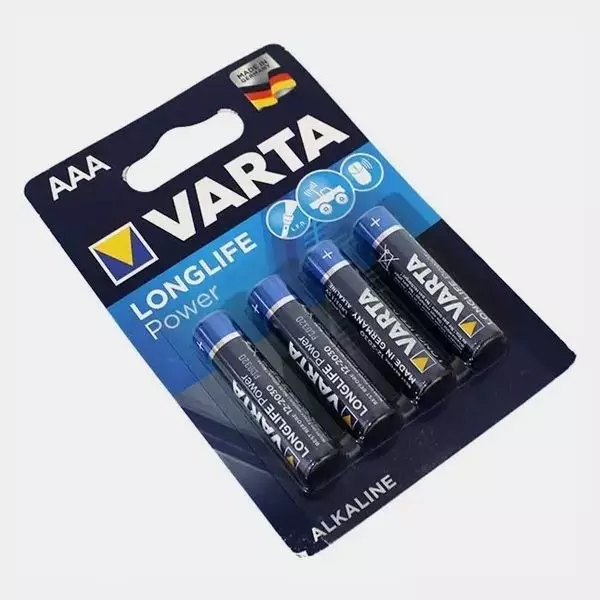
  • Batteries: 2x AAA batteries (included).

Situations to avoid

  • Uneven surfaces.
  • RF interferences.
  • High humidity.
  • Airstream.
  • Vibrations.
  • Extreme temperatures.

Box contents

  • DJ-600 Jewel Mini Scale.
  • 2x AAA batteries.
  • User guide.

You might also like

Write a review

123 4 5

Maximum files to upload - 7
Allow formats: *.jpg; *.jpeg; *.png; *.gif.